> For the complete documentation index, see [llms.txt](https://docs.frogy.com/llms.txt). Markdown versions of documentation pages are available by appending `.md` to page URLs; this page is available as [Markdown](https://docs.frogy.com/get-ready-to-go-live/become-a-viewer/become-a-guest.md).
# Become a Guest
On FROGY, watching a stream doesn’t have to be a one-way experience. If the streamer allows it, you can join the stream as a guest and become part of the live conversation!
{% hint style="info" %}
Being a **guest** means you connect to the stream with **audio or video** — you decide how you want to join.
{% endhint %}
There are **two ways** to become a guest:
#### Option 1: Request to Join as a Guest
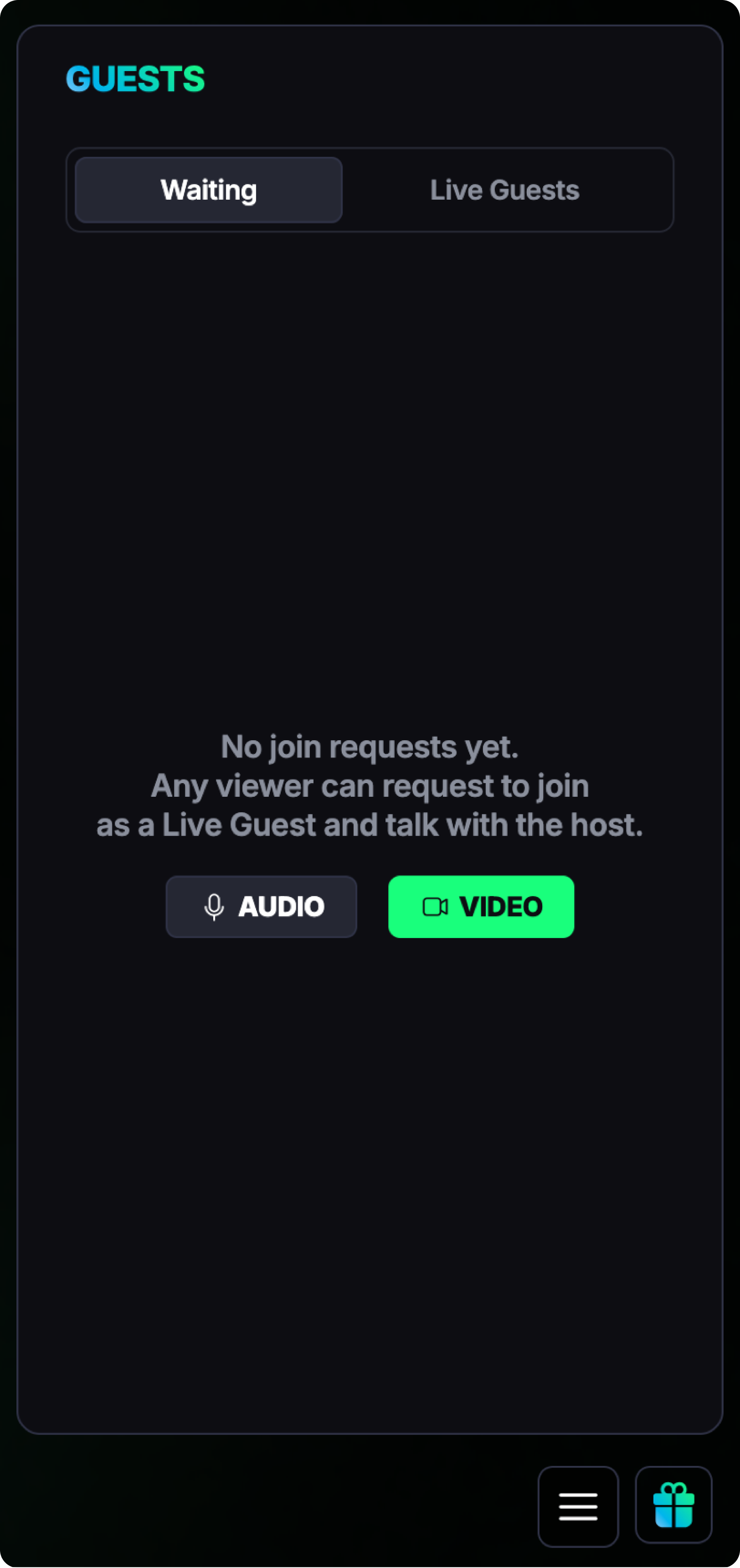
If you want to take the initiative, you can **send a request to join the stream as a guest**. To do this, open the **burger menu** and tap the **Guests** button. After submitting your request, you’ll be placed in a **waiting room**.
{% columns %}
{% column %}
{% endcolumn %}
{% column %}
If the streamer approves your request, you’ll move from the waiting list to the **Live Guests** section and appear on the stream.
As a viewer, you can always see:
* who is currently in the **Waiting** list, and
* who is already **live as a guest** on the stream.
In all guest lists, you can also see how much each viewer has donated in total.
{% endcolumn %}
{% endcolumns %}
{% hint style="success" %}
You can freely **rearrange guest video windows** on your screen to customise the stream layout and make it more comfortable for you!
{% endhint %}
#### Option 2: Accept an Invitation from the Streamer
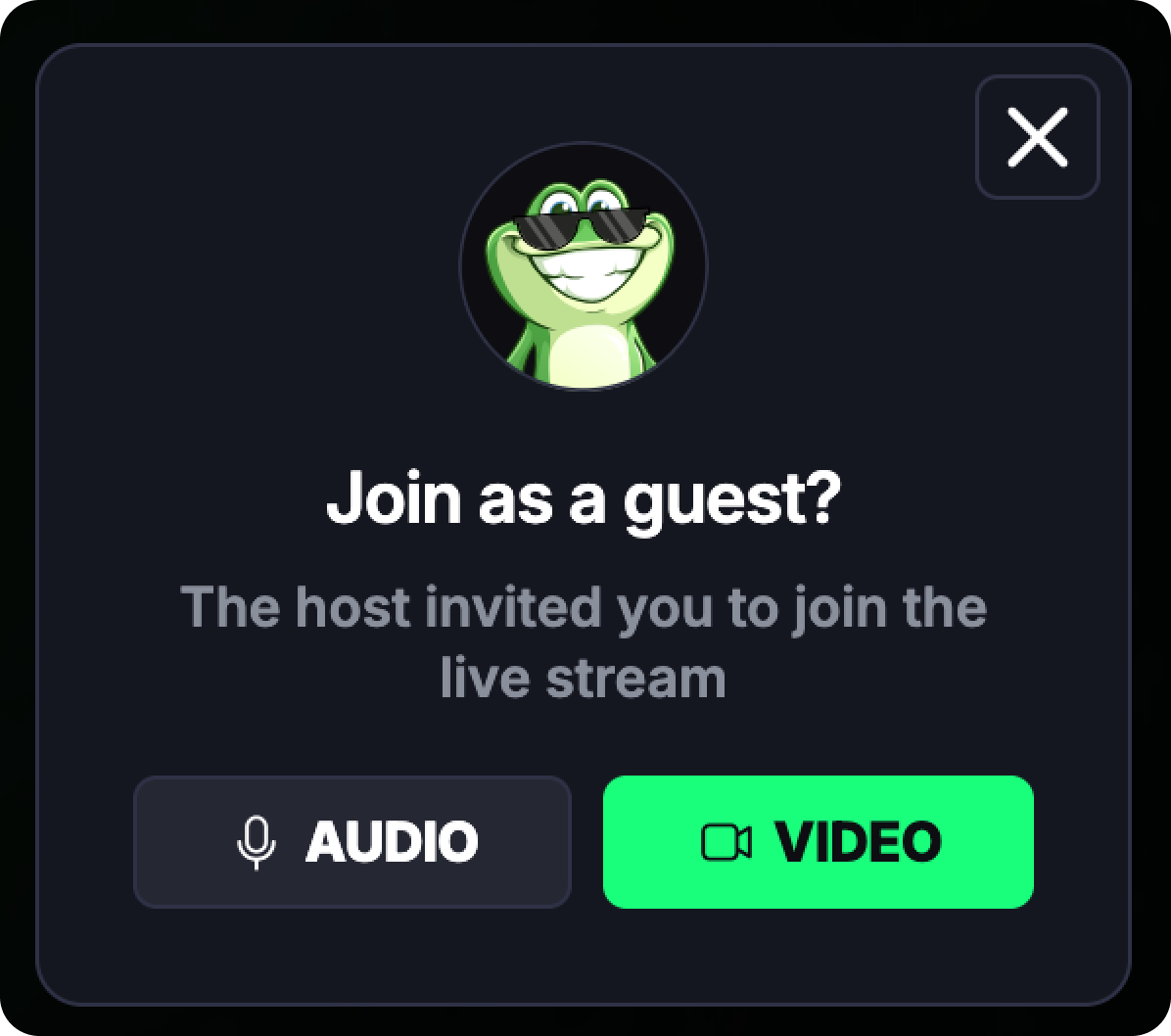
The streamer can also invite you directly to join the stream as a guest.
{% columns %}
{% column %}
{% endcolumn %}
{% column %}
In this case, you’ll see a **popup invitation** with **30 seconds** to accept or decline.
{% hint style="info" %}
If the timer runs out, the invitation disappears — but that’s totally fine. The streamer can send another invite, or you can always submit a request yourself and join the waiting list.
{% endhint %}
{% endcolumn %}
{% endcolumns %}
#### Getting Noticed by the Streamer
Your chances of being noticed are higher if you’re an **active supporter** of the stream!
Viewers who’ve **sent gifts, tips, or have a** [**paid subscription**](/get-ready-to-go-live/paid-subscription.md) appear more prominently thanks to special **fan badges** next to their profile. You can learn more about badges and how to earn them \[here].
#### Audio & Camera Controls
When you join as a guest:
{% columns %}
{% column %}
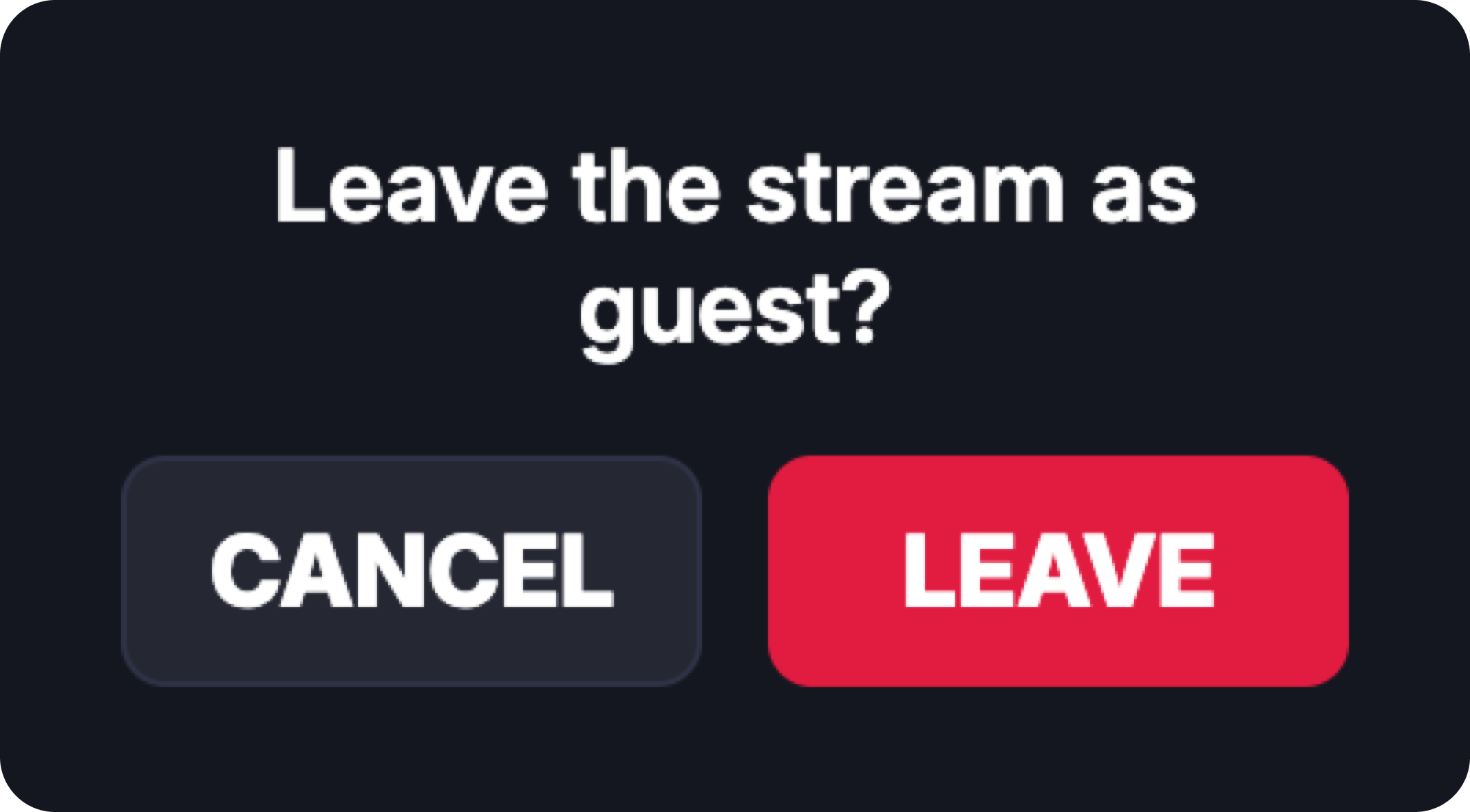
* You **can’t mute your own microphone,** but you still can leave the stream whenever you want.
* If you joined with **audio only**, you can later **turn on your camera** if you want.
{% endcolumn %}
{% column %}
{% endcolumn %}
{% endcolumns %}
{% hint style="success" %}
Joining as a guest is a great way to ask questions, share your thoughts live, or connect directly with your favorite streamers
{% endhint %}