> For the complete documentation index, see [llms.txt](https://docs.frogy.com/llms.txt). Markdown versions of documentation pages are available by appending `.md` to page URLs; this page is available as [Markdown](https://docs.frogy.com/get-ready-to-go-live/become-a-viewer/support-a-streamer-gifts-and-tips/rewards-system/frogy-reward-system.md).
# FROGY Reward System
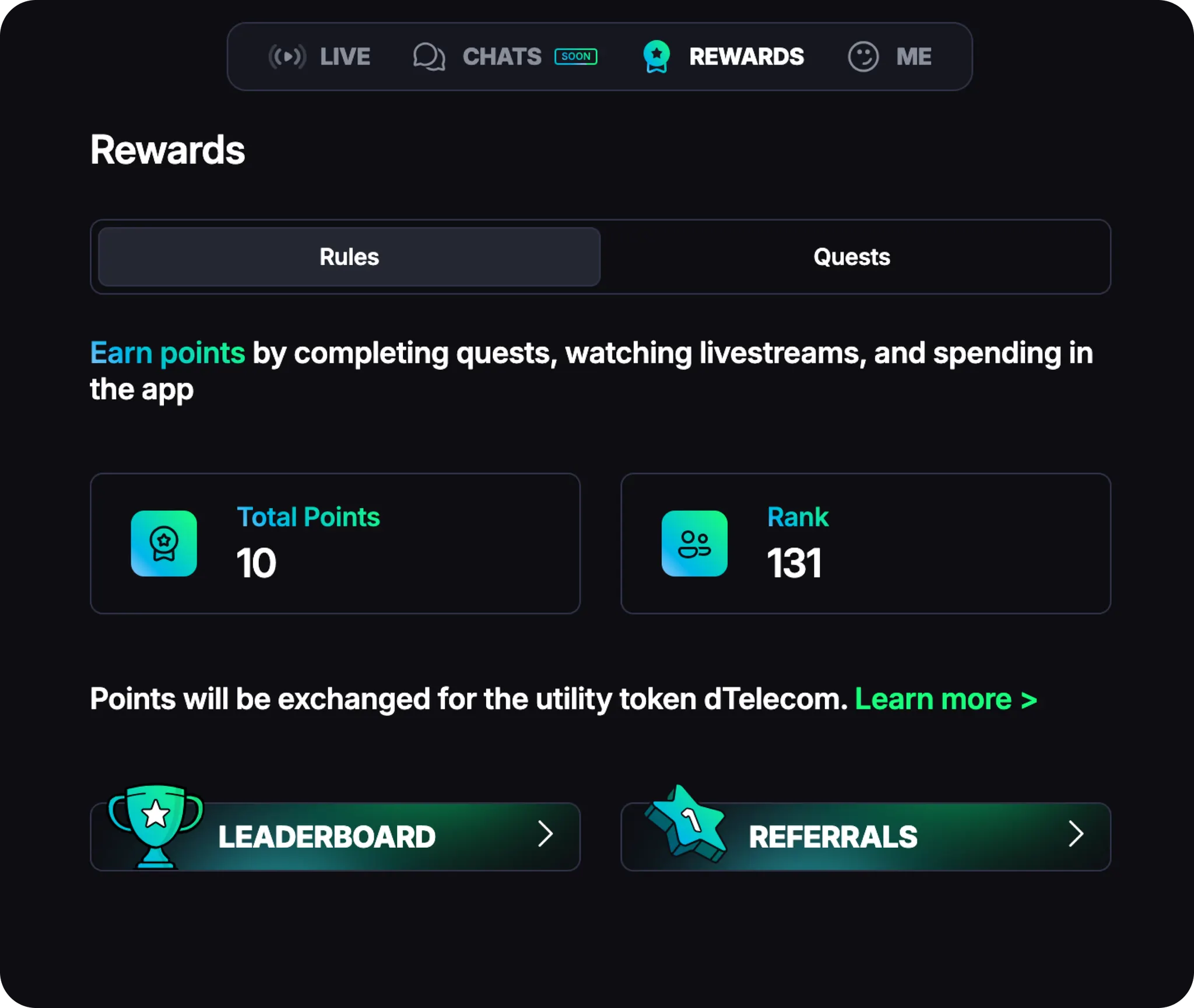
Within FROGY, there’s also its own **Rewards System**! In the **REWARDS** section of the top menu, you’ll find:
* **Rules** — showing your personal stats and progress;
* **Quests** — where you can complete tasks to earn more points and climb higher in the community rankings!
{% hint style="success" %}
In FROGY **points** are awarded for completing specific tasks and determine your rank and position on the Leaderboard.
{% endhint %}
You can earn points by completing quests, watching livestreams, and spending in the app! Let’s take a closer look at quests. There are two types:
> **One-time quests** — you can earn points for these only once.
> **Repeatable quests** — these can be completed multiple times, and you’ll earn points every time you finish them.
| **ONE-TIME** | **REPEATABLE** |
| -------------------------------------------------------------------------------------- | ------------------------------------------------------------------------ |
| **Complete Your Profile** | **Watch & Earn** |
| Fill out your profile: for example, upload Avatar, add Username, set Birthday and etc. | Earn 5 points per minute for watching livestreams |
| **FROGY Tasks** | **Invite Friends** |
| Support the FROGY community: for example, follow on X or join TG Channel | Earn 50 points per invited friend (no limit) with FROGY referral program |
| **First Top-Up** | **Spend in the App** |
| Earn 50 points per $1 on your first top-up in the app | Earn 100 points for every $1 spent on gifts, tips, or subscriptions |
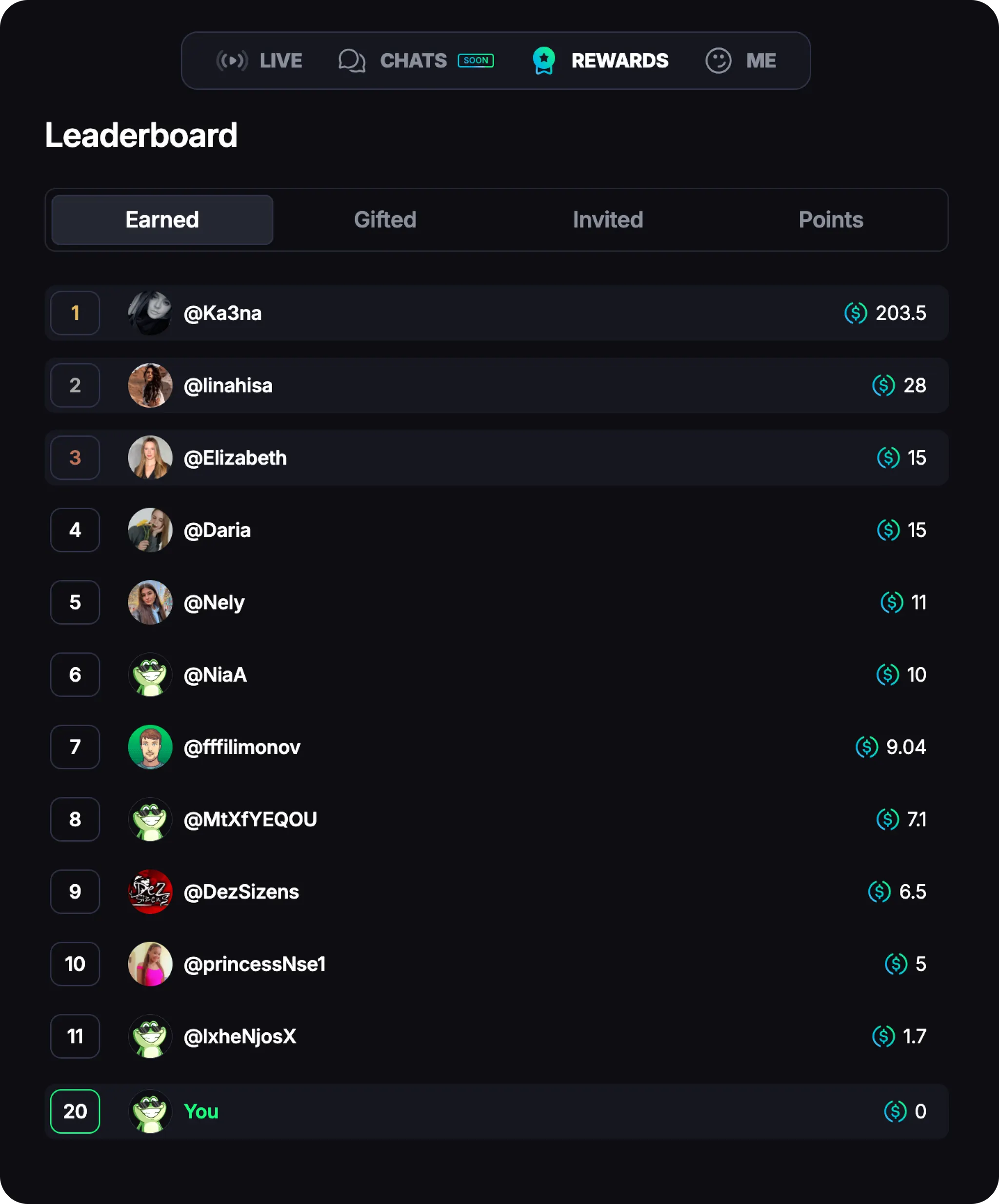
Earlier, we mentioned the **Leaderboard — a ranked list of the most active users** across four categories:
> **EARNED** — Shows the total amount of gifts and tips **you’ve received** in USDC during your time on the platform.
> **GIFTED** — Shows the total value of gifts and tips in USDC **you’ve sent** to other users to support their work and creativity.
> **INVITED** — Shows the total number of people **you’ve invited** to FROGY via your referral link.
> **POINTS** — Shows the total number of points **you’ve collected** by completing specific tasks.
To check your stats, click your **profile picture** and select **Leaderboard** from the menu.