> For the complete documentation index, see [llms.txt](https://docs.frogy.com/llms.txt). Markdown versions of documentation pages are available by appending `.md` to page URLs; this page is available as [Markdown](https://docs.frogy.com/get-ready-to-go-live/inviting-guests.md).
# Inviting Guests
FROGY lets you turn your stream into a real conversation — you can invite viewers to join your stream as guests in real time!
{% hint style="info" %}
A **guest** is a viewer who joins your stream with **audio or video** (they choose how they want to connect). As a streamer, you stay fully in control of who joins and when.
{% endhint %}
There are **two ways** guests can appear on your stream:
#### **Option 1: Viewer Requests to Join as a Guest**
{% columns %}
{% column %}
{% endcolumn %}
{% column %}
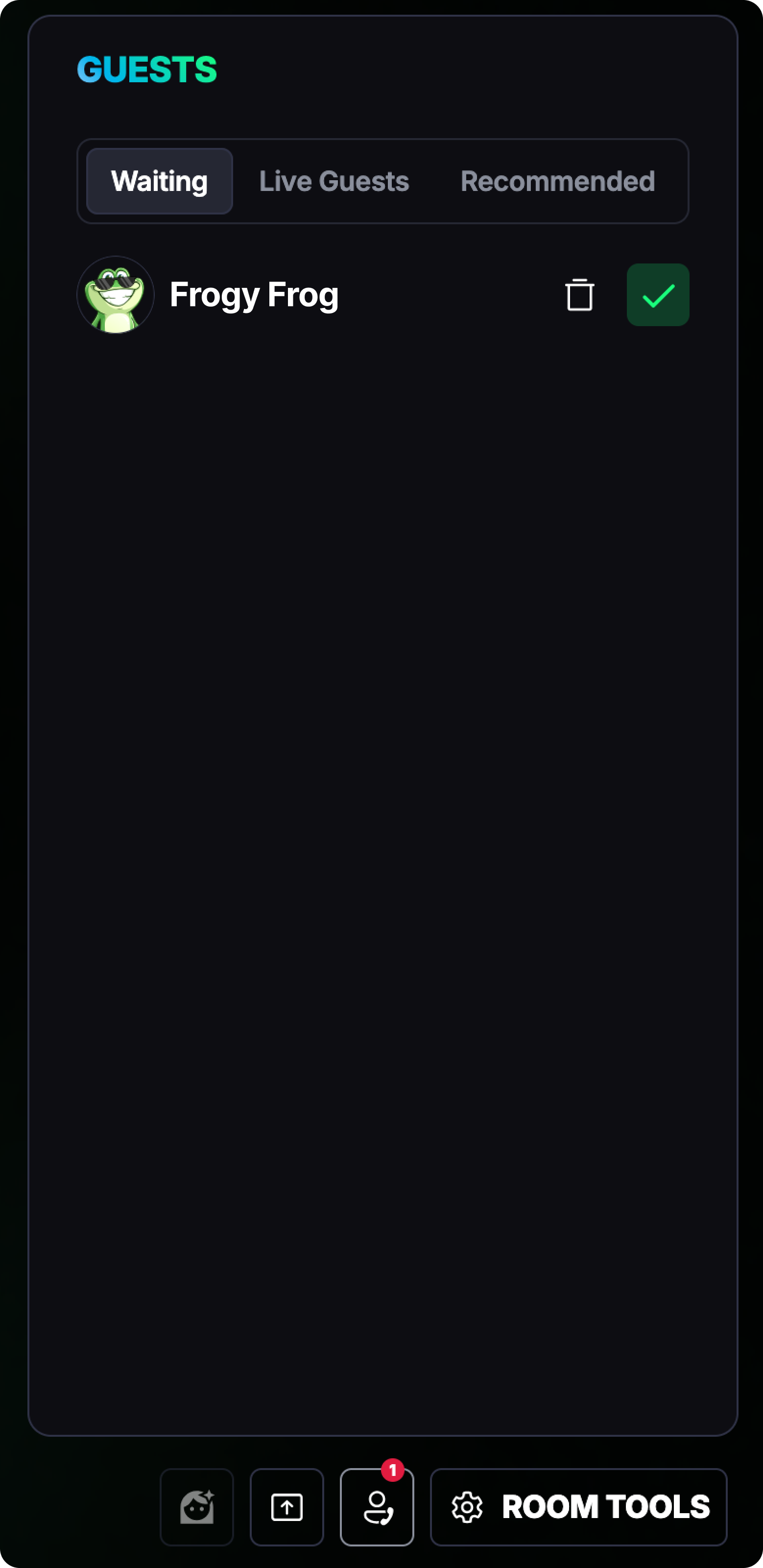
A viewer can request to join your stream as a guest. Once they do, they’ll be placed in a **waiting room**, and you decide whether to accept or decline their request.
To manage guest requests, click the **Guests** button in the lower-right corner of the screen. Inside, you’ll see three sections:
* **Waiting** — viewers who’ve requested to join and are waiting for your approval
* **Live Guests** — guests who are already connected and live on your stream
* **Recommended** — the full list of viewers currently watching your stream
When you approve a request, the viewer immediately moves from **Waiting** to **Live Guests** and becomes part of the broadcast.
{% endcolumn %}
{% endcolumns %}
{% hint style="info" %}
In all guest lists, you can see how much a viewer has donated in total (displayed in **USDC**), as well as their **badge**. Learn more about badges [here](/get-ready-to-go-live/become-a-viewer/support-a-streamer-gifts-and-tips/fan-badges.md).
{% endhint %}
#### **Option 2: You Invite a Viewer Yourself**
You can also take the initiative and invite someone to join your stream.
In the **Recommended** list, simply click **Invite** next to a viewer’s name. They’ll have **30 seconds** to accept or decline your invitation.
{% hint style="info" %}
If they don’t respond in time, the invitation expires — but no worries, you can always send another one!
{% endhint %}
#### Managing Guests During the Stream
As the streamer, you’re always in control of your broadcast. You can:
{% columns %}
{% column %}
{% endcolumn %}
{% column %}
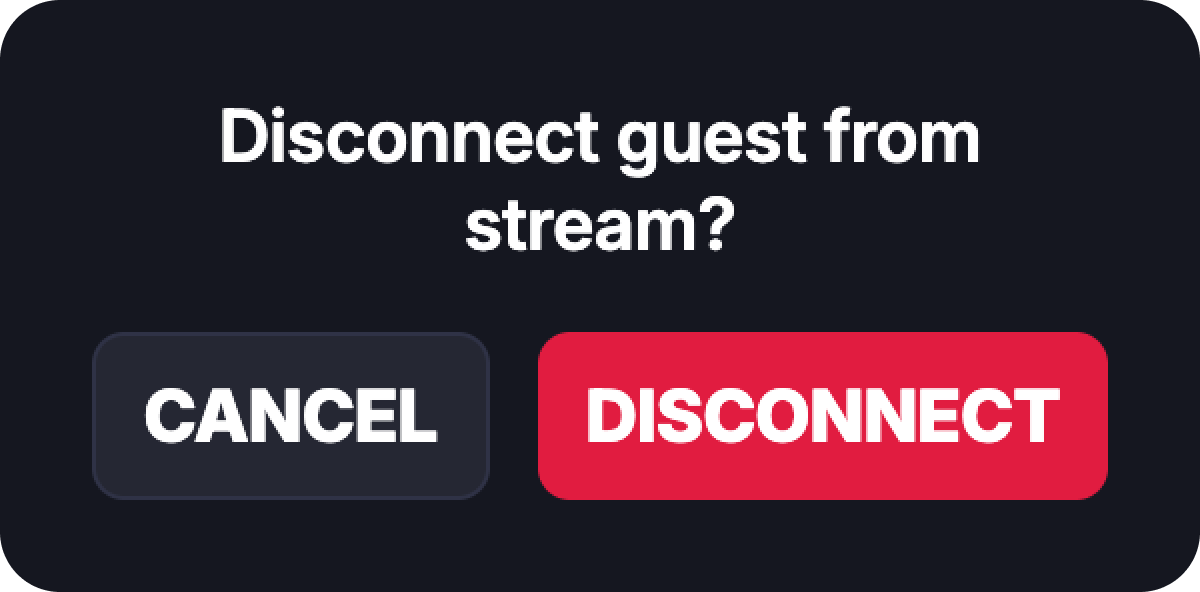
* **Remove guests** from the stream at any time
* **Reposition guest windows** freely on your screen to customise your layout
{% endcolumn %}
{% endcolumns %}
This makes it easy to host Q\&A sessions, invite fans on stage, or turn your stream into a dynamic live discussion — all while keeping things organised and comfortable for everyone.
{% hint style="success" %}
Inviting guests is a great way to boost engagement, build stronger connections with your audience, and make your streams more interactive.
{% endhint %}