> For the complete documentation index, see [llms.txt](https://docs.frogy.com/llms.txt). Markdown versions of documentation pages are available by appending `.md` to page URLs; this page is available as [Markdown](https://docs.frogy.com/lets-get-started/live-feed-overview.md).
# Live Feed Overview
Once you’ve registered, you’ll land on the Main Page — let’s explore what’s waiting for you there!
### Main “Live” Page
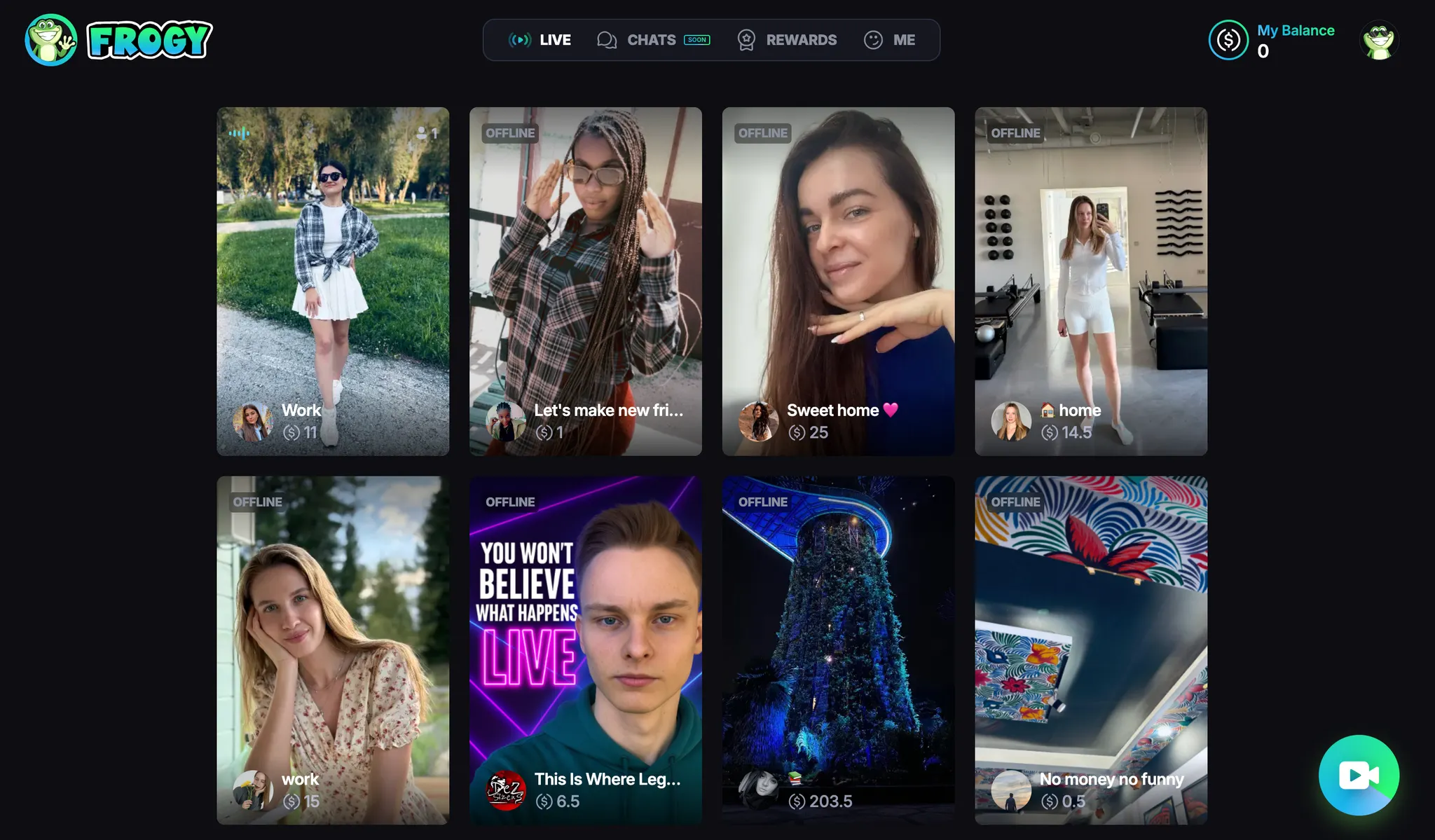
At the top, you’ll see four sections: **LIVE**, **CHATS**, **REWARDS**, and **ME**.
Right now, you’re in the **Main “LIVE” Menu**, where you can see all **online** and **offline streams**.
{% columns %}
{% column %}
#### **🎬 Online Streams**
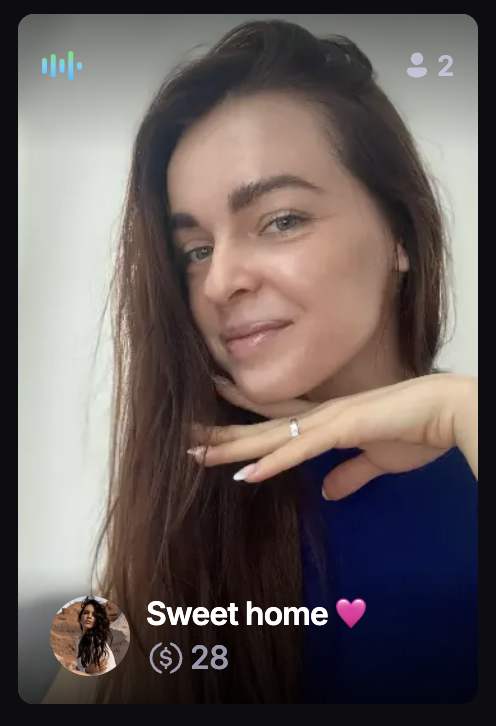
Clicking on an online stream (the blue icon) lets you join the user’s live content. You can:
* Watch the stream in real-time
* Send comments, gifts, and tips while the stream is happening
{% endcolumn %}
{% column %}
#### 📺 **Offline Streams**
These are streams that have already ended. Don’t worry if you missed them — new streams from creators appear regularly.
{% endcolumn %}
{% endcolumns %}
{% hint style="danger" %}
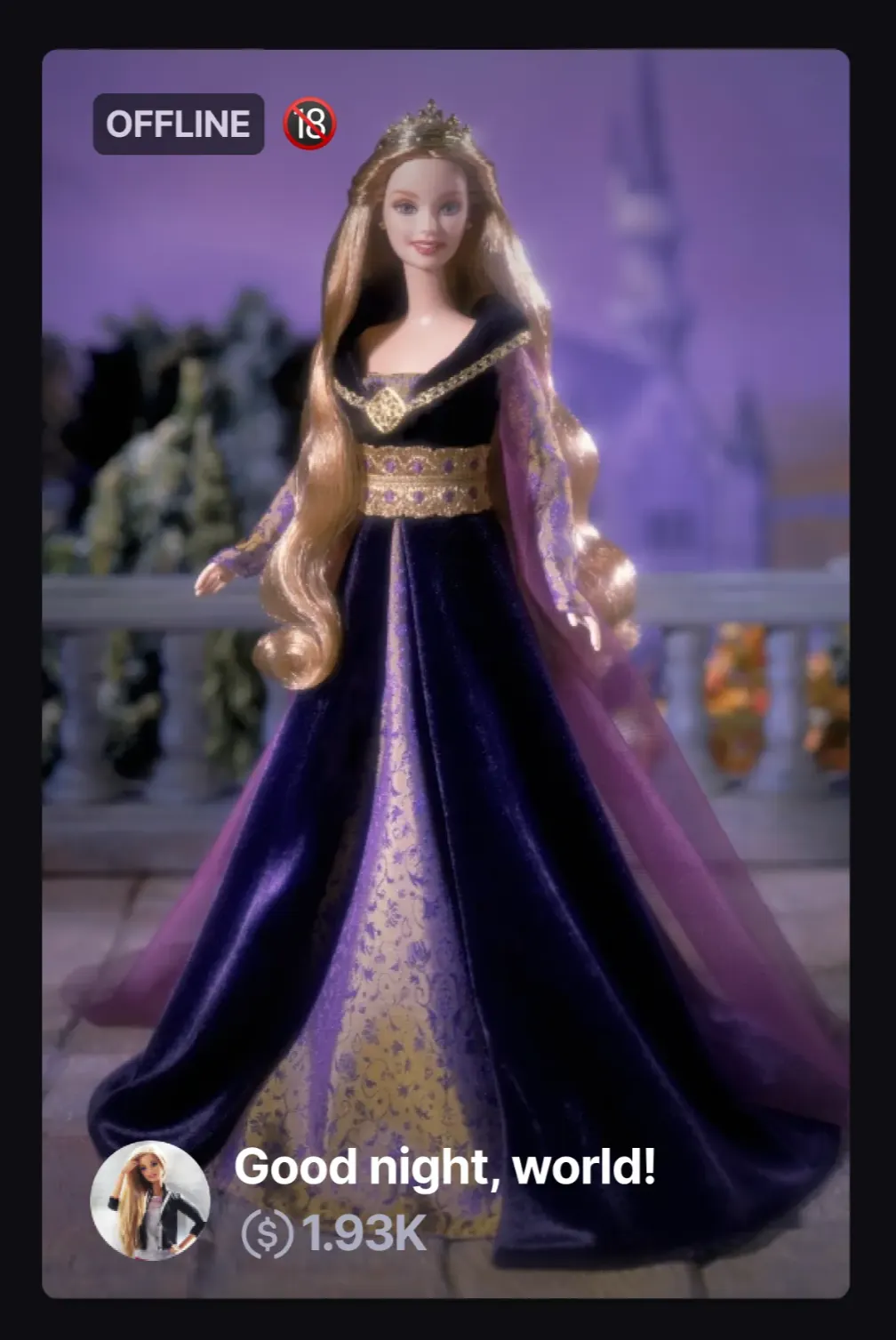
On some of the stream cards, you may also see a **18+ icon**, indicating that this content is for adults. You can manage this setting in your [profile preferences](/lets-get-started/profile-settings.md).
{% endhint %}